
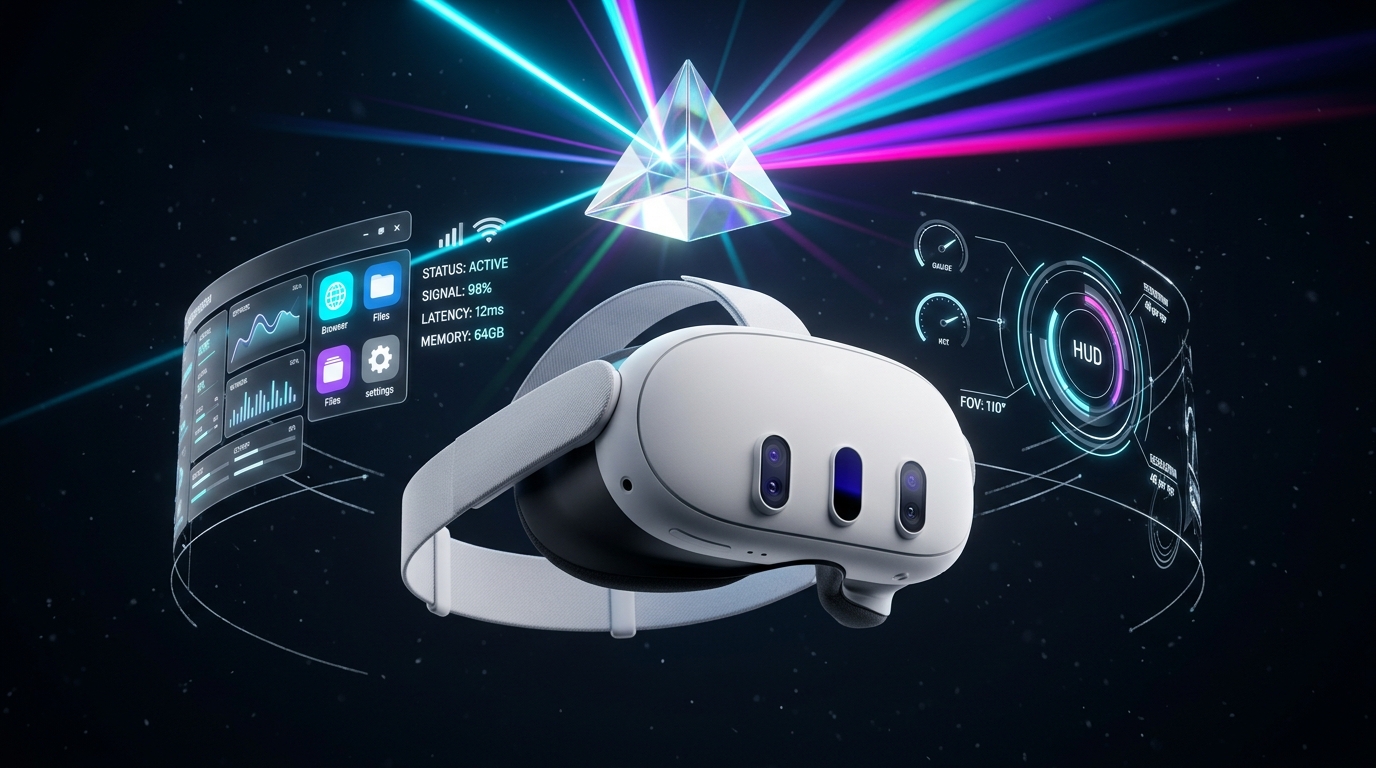
Stream OpenXR and SteamVR games directly to your Meta Quest with native resolution, sub-frame latency, and zero runtime bloat.
Every layer of Prism Desktop is crafted to eliminate translation bottlenecks, delivering razor-sharp PCVR clarity straight from your GPU to your lenses.

Bypasses intermediate driver translation layers. Directly handles OpenXR swapchains, composition layers, and predictive frame timing for stutter-free frame submission.

Seamless automated driver bridging that lets you launch any SteamVR title with zero configuration required, maintaining native OpenVR tracking feeds.

Native hardware pipelines for NVIDIA NVENC, AMD AMF, and Intel QuickSync. Ultra-efficient AV1, HEVC (H.265), and AVC (H.264) streams up to 250+ Mbps.

Pushes true native panel resolution to Meta Quest 3 and Pro displays without sub-sampling artifacts, delivering razor-sharp text and distant apex clarity for sim racing.

Asynchronous head pose sampling with engine-integrated motion extrapolation eliminates rotational judder and visual micro-stutters during intense high-G turns.

High-fidelity virtual rooms that completely unload from headset VRAM the instant a VR title starts, freeing 100% of memory for your game's texture budgets.

Zero-hassle one-click device pairing over local network with automatic broadcast discovery and encrypted token handshake. No third-party account required.

In-headset real-time telemetry displaying host encode time, network transit time, headset decode time, frame jitter, bitrate pacing, and framerate stability.
Compare the engineering architecture of Prism Desktop against legacy wireless PCVR streaming solutions.
| Architectural Parameter |
 Prism Desktop
|
Meta Quest Link / AirLink | Virtual Desktop | Steam Link VR |
|---|---|---|---|---|
| Runtime Submission Layer How VR frames reach the encoder |
Direct OpenXR Hook
Direct swapchain composition, 0 translation
|
Oculus OVR Runtime (Heavy background services) | OpenVR / SteamVR translation driver hook | SteamVR native driver only |
| Headset VRAM Footprint in VR Memory occupied by streamer room |
0 MB (Instant Wipeout)
100% headset VRAM freed for game textures
|
~350 MB - 600 MB (Meta Link Shell persistent) | ~200 MB - 350 MB (Environment assets cached) | ~180 MB - 250 MB (SteamVR Shell UI) |
| Max Native Resolution Pixel pipeline to Quest 3 / Pro |
2700 × 2700 Per Eye
1:1 panel clarity without downscaling
|
Capped dynamically or requires Oculus Debug Tool tweak | Dynamic profile (Godlike preset ~2640×2640) | Dynamic SteamVR scale factor |
| Hardware Video Encoders GPU accelerated pipelines |
NVENC • AMF • QuickSync
AV1, HEVC, AVC up to 250+ Mbps
|
NVENC / AMF (AVC/HEVC, No AV1 on legacy branch) | NVENC / AMF (AV1, HEVC, AVC) | NVENC / AMF (HEVC, AVC) |
| Motion-to-Photon 6DOF Tracking Head pose sampling algorithm |
Engine-Integrated Prediction
Sub-frame extrapolative time-warp
|
Asynchronous Spacewarp (ASW 2.0) | Synchronous Spacewarp (SSW) | Basic Valve tracking extrapolation |
| Device Discovery & Pairing Authentication mechanism |
Instant 4-Digit PIN Handshake
Local encrypted LAN, no cloud login
|
Meta Account required, cloud device linking | Oculus Username cloud authentication | Steam Account pairing code |
| Telemetry & Diagnostic HUD Real-time latency breakdown |
Full In-Headset Telemetry
Encode / Network / Decode / Jitter graph
|
Oculus Debug Tool overlay (Requires PC setup) | Performance Overlay overlay | SteamVR Performance Graph |
Enjoy photorealistic virtual workstations and private cinema spaces without sacrificing a single byte of headset memory when you launch your PCVR games.
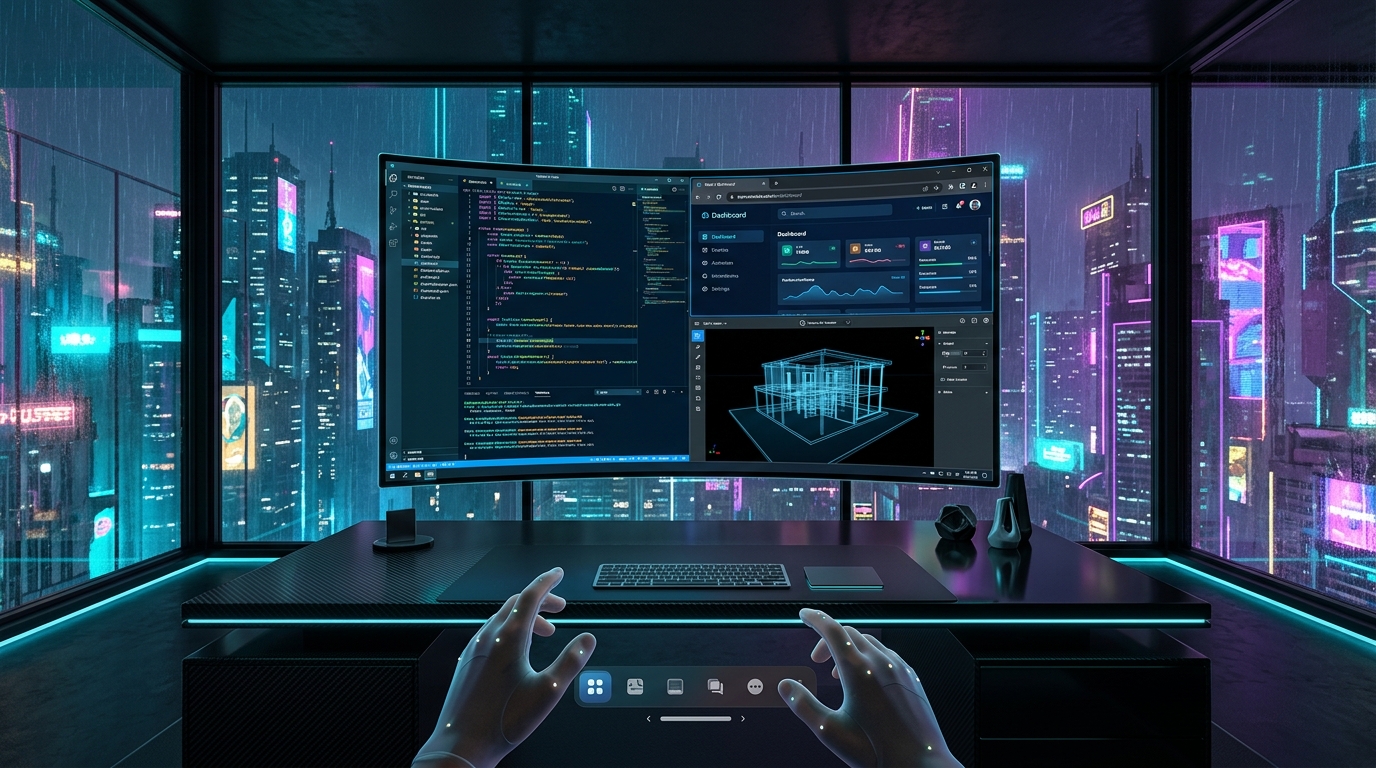
A minimalist architectural workspace with floor-to-ceiling twilight city skyline views, subtle floor reflections, and an ultra-wide curved holographic desktop display.
Our forward-looking engineering roadmap delivering cutting-edge spatial computing capabilities directly to your setup.
 In Development
Wide color gamut (BT.2020) and high dynamic range streaming to Quest headsets, preserving vivid sun highlights and deep shadow detail in simulation games.
 In Development
Uses Quest Pro eye tracking or static optical center sweet spots to concentrate maximum bitrate where you gaze, while compressing peripheral zones to save 40% bandwidth.
 Q1 Roadmap
Spawn up to 3 physical-less virtual displays in 6DOF space with custom curvature, tilt, distance, and per-monitor refresh rate scaling.
 In Development
Ultra-low latency spatialized PC audio streaming with AI noise-cancelled microphone loopback for multiplayer Discord, Teamspeak, and in-game voice chat.
 In Development
Kernel-level UDP packet pacing and bufferbloat reduction designed specifically for congested mesh networks and multi-device households.
 Q2 Roadmap
Optical hand tracking gestures for desktop interaction and rebinding tools for specialized flight stick, sim wheel, and HOTAS peripherals.
Engineered for performance scalability across modern gaming PCs and Meta Quest headsets.
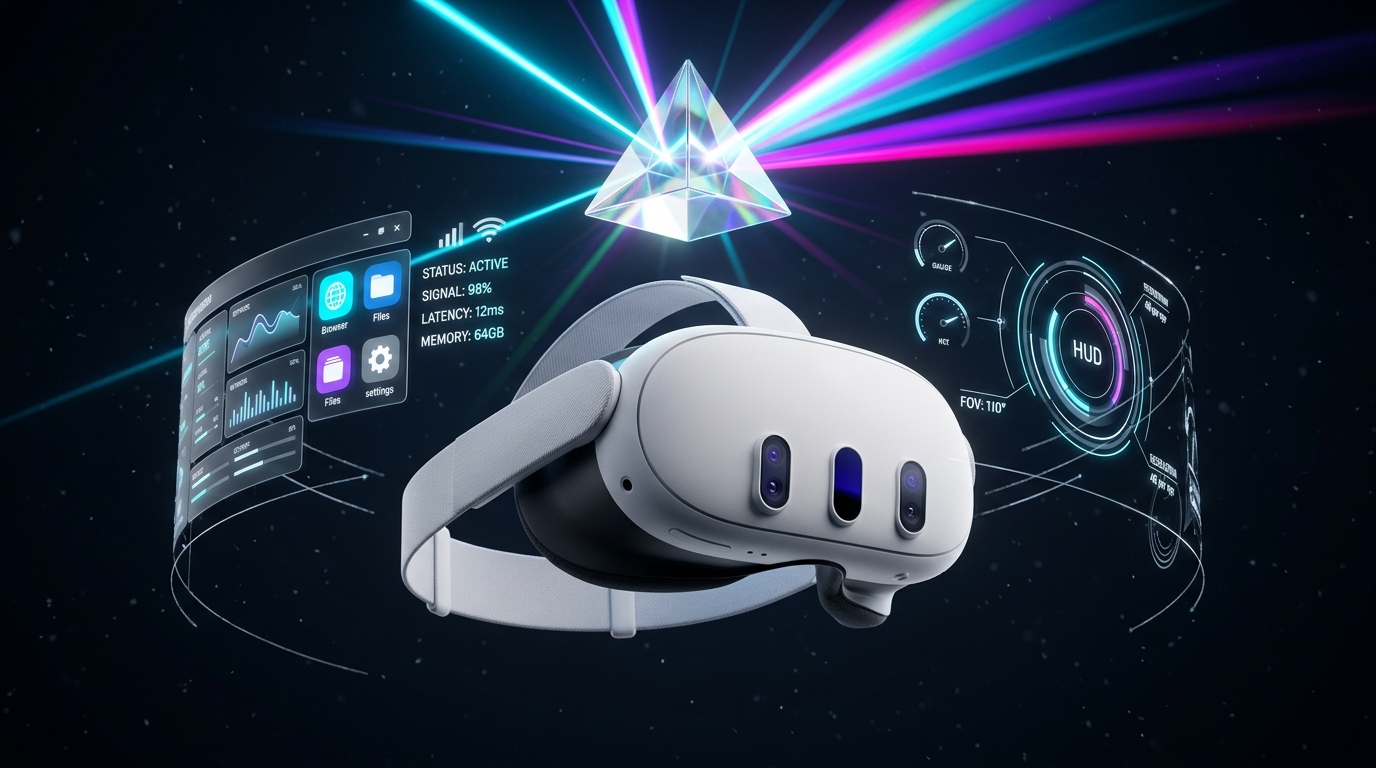


Prism Desktop hooks directly into the OpenXR runtime at the engine level, eliminating the intermediate translation layer between SteamVR and the Oculus runtime. By combining direct swapchain acquisition, microsecond UDP packet pacing, and asynchronous sub-frame motion prediction, motion-to-photon latency is reduced by up to 35%.
When you are in the desktop streamer room, you can enjoy rich 3D environments like the Desktop Suite or Home Cinema. The moment you launch a PCVR game, Prism Desktop completely deallocates the entire 3D environment from the headset's unified memory. 100% of headset VRAM and compute are dedicated to video decoding and display refresh.
Not at all! The high-speed racing demo in our promotional benchmark video is an extreme stress-test to showcase sub-frame predictive tracking during rapid rotational movement. Prism Desktop is a universal PCVR streamer fully compatible with any OpenXR or SteamVR title—from Microsoft Flight Simulator and Half-Life: Alyx to Beat Saber and VRChat.
No. Prism Desktop operates entirely on your local area network (LAN). Device discovery and pairing use secure local broadcasts and a 4-digit encrypted token PIN. Your game audio and video data never leave your local Wi-Fi router.